


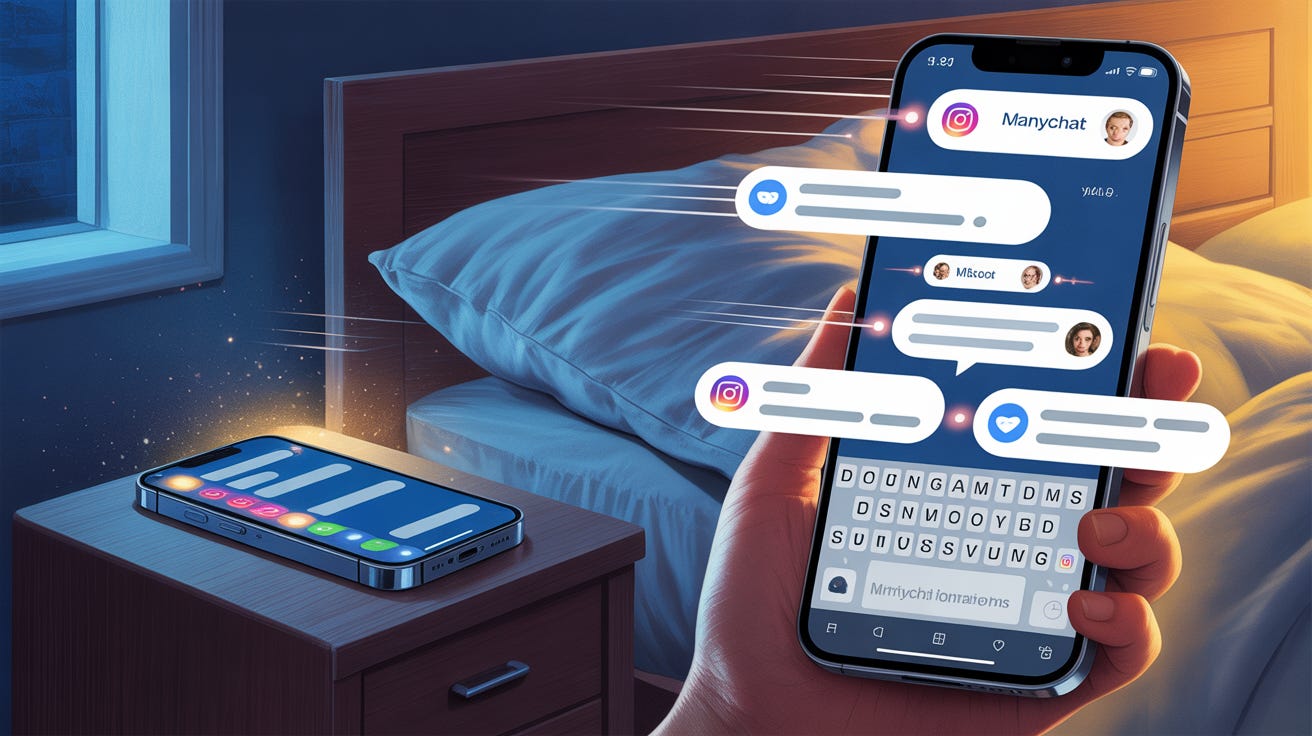
3:47 AM.
Your phone buzzes.
Someone just replied to a story you posted six hours ago. They have a question about the framework you mentioned.
Perfect lead. Warm. Engaged. Ready to talk.
But you’re asleep.
By the time you wake up at 7am, they’ve already moved on.
Watched twelve other people’s stories.
Responded to someone else’s DM.
Forgot why they reached out in the first place.
The 24-hour window started without you.
And you burned half of it unconscious.
This keeps happening.
Story views at 11 PM.
Comments at 6 AM.
Engagement from people in different time zones, different schedules, different lives.
You can’t be awake for all of it.
But you also can’t afford to lose them.
So you stop trying to catch every conversation manually.
And you build a system that catches them for you.
The entire DM-to-phone sequence can run without you.
Message 1.
Message 2.
The number capture.
The SMS follow-up.
All of it.
ManyChat handles the Instagram DMs.
ManyChat captures the phone number.
ManyChat sends the text.
You only show up when it’s time to actually talk.
Tonight, I’m sharing how to automate the complete funnel - from story trigger to SMS - without sounding like a robot.
→ The story trigger that starts conversations automatically
→ Message 1 and Message 2 automation in Instagram DMs
→ How ManyChat captures the number and sends the SMS
→ The time-based logic that knows when you’re available
→ You only enter when the phone rings
Let’s build your automated funnel...
How the Fully Automated Funnel Works
The system has two channels and four messages:
Instagram DM (ManyChat):
Message 1: Opener + question
Message 2: Number ask
SMS (ManyChat):
Message 3a: Real-time text (if you’re available)
Message 3b: Next-morning text (if you’re not)
Human:
The actual phone call or Zoom
That’s it. The bot runs everything until it’s time to talk.
Here’s how each part works:
1️⃣ The Story Trigger
Your story is the entry point.
But not just any story. A story with a built-in response mechanism.
“DM me FRAMEWORK and I’ll send you the breakdown.”
“Reply PRICING if you’ve dealt with this.”
“Comment GUIDE for the free resource.”
The keyword triggers the automation.
Someone watches your story about pricing objections. They’re nodding along. They relate.
They type “PRICING” and hit send.
The moment that message lands, ManyChat takes over.
What works:
→ Keyword should match the content (PRICING for pricing content, CLIENTS for client acquisition)
→ Keep it to one word - easier to type, fewer typos
→ The story should create genuine curiosity, not just bait the DM
❌ Before: “DM me INFO for more information!”
✅ After: “The third question in this framework is the one that usually closes the deal. DM me CLOSE and I’ll send the full breakdown.”
2️⃣ Message 1 - The Automated Opener (Instagram DM)
The keyword hits. ManyChat fires instantly.
This is where most people mess up.
They write automation messages that sound like automation messages.
“Thanks for reaching out! I’m so excited to connect with you! Here’s the resource you requested!”
Three exclamation points. Generic enthusiasm. Zero humanity.
The prospect knows it’s a bot. And they disengage accordingly.
What works instead:
Write it like you wrote it at 2 AM because you were genuinely curious.
No exclamation points. No “thanks for reaching out.” No corporate warmth.
❌ Before: “Hey! Thanks so much for your interest! Here’s the pricing framework you requested. Let me know if you have any questions!”
✅ After: “Here’s that pricing framework. Quick question - are you dealing with the objection at the proposal stage, or earlier when you’re first talking numbers?”
The structure:
→ Deliver what you promised (the resource, the framework, the breakdown)
→ Immediately pivot to a question about their specific situation
→ The question should be easy to answer and reveal their real problem
Timing: Immediately. Within seconds of their trigger message.
3️⃣ Message 2 - The Automated Number Ask (Instagram DM)
They responded to your question.
ManyChat waits 2-5 minutes (feels human, not instant-bot), then sends the number ask.
Three methods based on their response:
1️⃣ Value-Forward (they shared details about their problem):
“I’ve got a framework that addresses exactly that. Way easier to walk through than type. What’s the best number? I’ll send you a voice note with the first piece.”
2️⃣ Assumptive (they responded with energy - “Yes!” “Exactly!” “That’s me!”):
“This is one of those things that’s easier to talk through. Drop your number and I’ll text you.”
3️⃣ Escape-Hatch (short or hesitant response - “Yeah” “Sometimes” “A little”):
“Happy to walk through this on a quick call - but totally fine to keep it here if you prefer. If you’re open to it, what’s your number?”
How ManyChat picks the right one:
Conditional logic. Response length + keywords.
→ Long response with problem details → Value-Forward
→ Short enthusiastic response → Assumptive
→ Short neutral response → Escape-Hatch
Timing: 2-5 minute delay after their response. Fast but not robotic.
4️⃣ Message 3 - The Automated SMS (ManyChat)
They dropped their number in the DM.
ManyChat captures it.
And here’s where it gets good.
ManyChat doesn’t just store the number. It sends the SMS. Automatically. Based on what time it is.
The time-based logic:
You set your availability window in ManyChat. For most coaches: 9 AM - 7 PM.
ManyChat checks the clock when the number comes in.
If it’s during your hours:
ManyChat sends via SMS:
“Hey, it’s [your name] - just got your message. Got a few minutes right now? I can hop on a quick call.”
You get notified. You call them immediately. Goal: get them on a 15-minute Zoom within 15 minutes.
If it’s after hours:
ManyChat sends via SMS:
“Hey, it’s [your name] - just saw this. I’ll give you a call first thing in the morning, right after my first meeting. Talk soon.”
You get notified at 8 AM. You call them first thing.
Goal: get them on a Zoom before 10 AM.
Why this works:
→ They’re never left hanging. Even at 3 AM, they get a response.
→ “After my first meeting” sounds human, not automated
→ Sets a specific expectation without locking in an exact time
→ You only show up when it’s time to actually talk
5️⃣ The Human Part - The Triage Call
This is the only part that requires you.
The phone call.
Not a 45-minute sales call. A quick 15-minute triage.
You’re answering one question: Is this person worth a full sales conversation?
What happens on the triage call:
→ Confirm the problem they mentioned in the DM
→ Ask 2-3 clarifying questions
→ Decide if they’re a fit
→ If yes, book the full sales call
→ If no, point them to a resource and move on
If they responded during your hours:
Your phone buzzes. You see ManyChat already texted them.
You call immediately.
“Hey [name], it’s [you] - just sent you that text. Got a few minutes right now?”
If they’re free, you’re on Zoom in 5 minutes.
If they’re not, you book a time for later today.
If they responded after hours:
You wake up. ManyChat already sent the “first thing in the morning” text.
You call by 9 AM.
“Hey [name], it’s [you] - following up like I said. Still got time for that quick call?”
Same goal. Get them on Zoom fast.
The Complete Flow
Here’s the whole thing:
Hour 0: They send the trigger keyword
Hour 0 (instantly): ManyChat sends Message 1 via DM (resource + question)
Hour 1-6: They respond to your question
Hour 1-6 (+2-5 min): ManyChat sends Message 2 via DM (number ask)
Hour 2-8: They drop their number
Hour 2-8 (instantly): ManyChat captures number + sends Message 3 via SMS
→ During your hours: “Got a few minutes right now?” → After your hours: “I’ll call you first thing in the morning”
Within minutes (if during hours): You call, try to get them on Zoom immediately
By 9 AM (if after hours): You call, try to get them on Zoom immediately
The triage call: 15 minutes. Qualify. Book or release.
The ManyChat Setup
Here’s the exact flow to build:
Trigger: Keyword in Instagram DM
Action 1: Send Message 1 immediately (resource + question)
Action 2: Tag contact with trigger keyword
Wait: For their response
Condition: Check response length/sentiment
Action 3: Send appropriate Message 2 after 2-5 min delay
Wait: For phone number
Action 4: Capture phone number from DM
Condition: Check current time against your availability window
Action 5a (during hours): Send SMS - “Got a few minutes right now?” → notify you immediately
Action 5b (after hours): Send SMS - “I’ll call you first thing in the morning” → notify you at 8 AM
Your only job: Make the call. Run the triage. Book or release.
That’s it.
Here’s what you learned today:
→ ManyChat handles the entire DM-to-SMS sequence
→ Message 1 (opener) and Message 2 (number ask) happen in Instagram DMs
→ Message 3 (the text) happens via SMS after ManyChat captures their number
→ Time-based logic sends the right message based on when they respond
→ You only enter when it’s time to actually talk
→ The triage call is 15 minutes. Qualify fast. Book or release.
Pick one story this week. Add a keyword trigger. Build the 3-message automation.
Wake up to phone numbers in your inbox and texts already sent.
Ready to build your fully automated Phone Funnel?
You know the concept.
But what does YOUR automation flow actually look like?
What’s the right Message 1 for YOUR offer?
What SMS copy matches YOUR voice?
Today’s paid member mega-prompt builds your complete ManyChat sequence from scratch.
Paid members get:
✔ 3 custom story trigger scripts matched to your content themes
✔ Automated Message 1 templates that sound human, not robotic
✔ All 3 number-ask methods written in your voice
✔ Conditional logic rules for routing to the right ask
✔ Time-based SMS templates (real-time and next-morning versions)
✔ The exact ManyChat flow structure to copy
✔ Triage call script for when you get them on the phone
